The book you opened.
Supported textbooks and course materials are connected to the relevant knowledge base.
 Try Dvani
Some ideas need a picture. Some need one more explanation. Tabula builds the diagram, talks through the reasoning and makes room for your next question.
10.3-INCH E-PAPER · VISUAL EXPLANATIONS · NATURAL VOICE
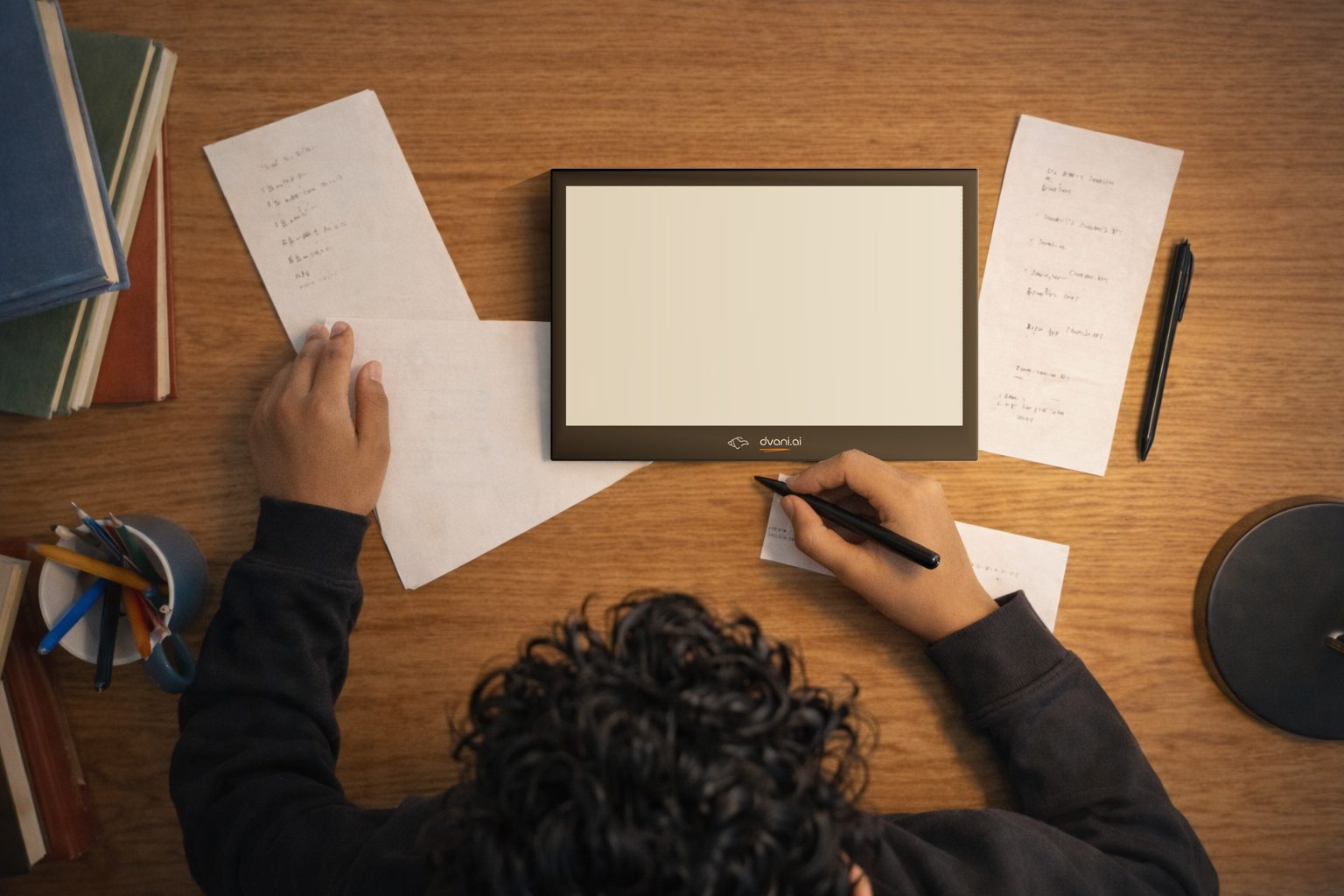
Watch the idea form.
Then make it your own.
A good explanation starts with what you know. Tabula is designed to draw, label and write as your tutor explains—then ask a question that gives the thinking back to you.
Choose a step to see how a teaching sequence can unfold.
“Let’s start with a right-angled triangle. This marked angle is exactly 90 degrees.”
An example of the teaching approach. Select a step; this is not a live AI session.Ask why a formula applies. Request a simpler explanation, another diagram or a question to check your understanding. The next explanation can start with the part that needs attention.
Read a supported digital textbook on Tabula. The connected tutor uses the book, page and lesson context, so you can ask about the idea in front of you without introducing the chapter all over again.
For the same material, cross-sectional area and temperature, resistance is proportional to the wire’s length.
Supported textbooks and course materials are connected to the relevant knowledge base.
The visible page, chapter and learning objective give your question a starting point.
Talk through a relationship, see a diagram or revisit a prerequisite idea. Continue when the reasoning becomes clearer.
A 10.3-inch e-paper display for reading, equations and illustrations. Teaching unfolds through progressive visual updates and spoken explanation, at a pace suited to e-paper.
Explore captures used in the device demo: a labelled teaching diagram, the notes library and the learning tools panel.
Existing demo captures, shown in greyscale. Final hardware and interface details are being validated.
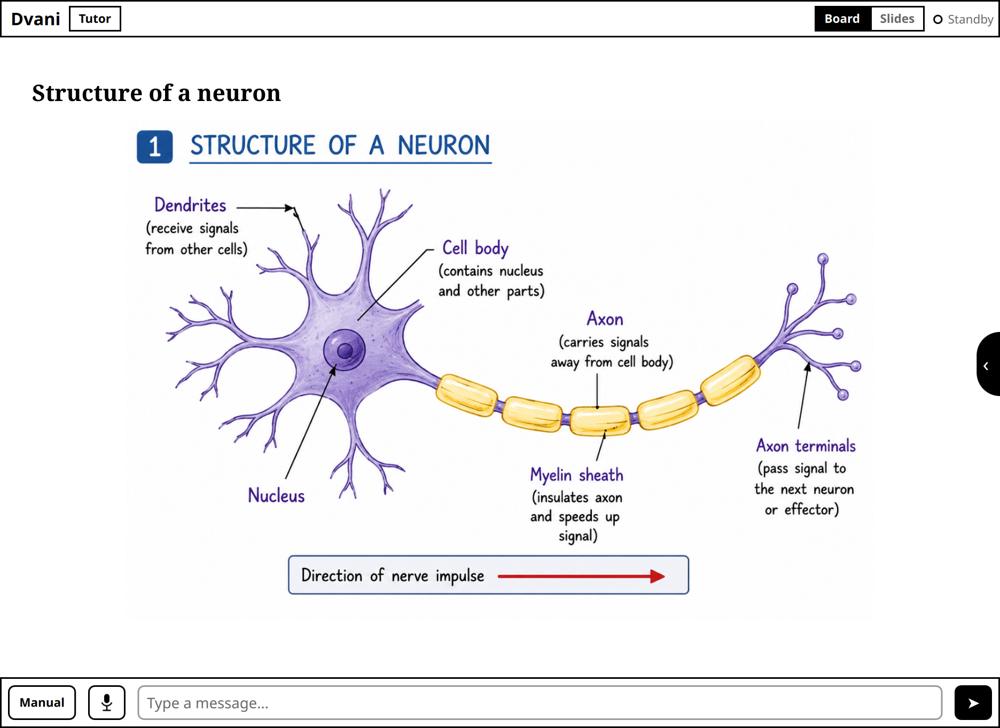
Explore the device from different angles. In the existing guided tour, you can type a question and hear Dvani’s response when you choose to start the conversation.
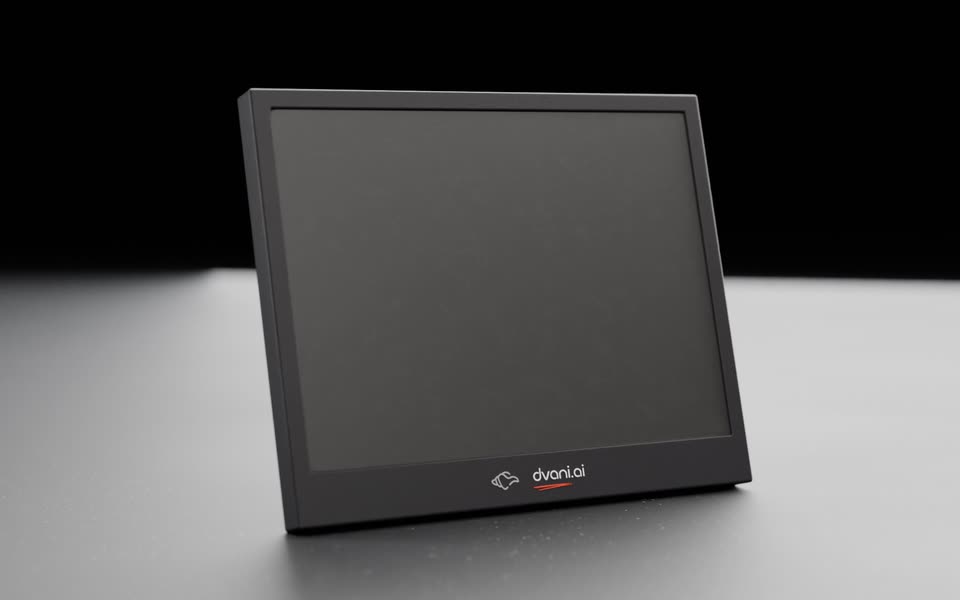
Drag the device to inspect it. Double-tap the Dvani mark to begin the text-in, voice-out tour. Online voice features depend on the connected service; the web demo does not reproduce physical e-paper refresh or handwriting capture.
Start with either device. Bring them together when your learning needs a visual explanation and a place to work it out by hand.
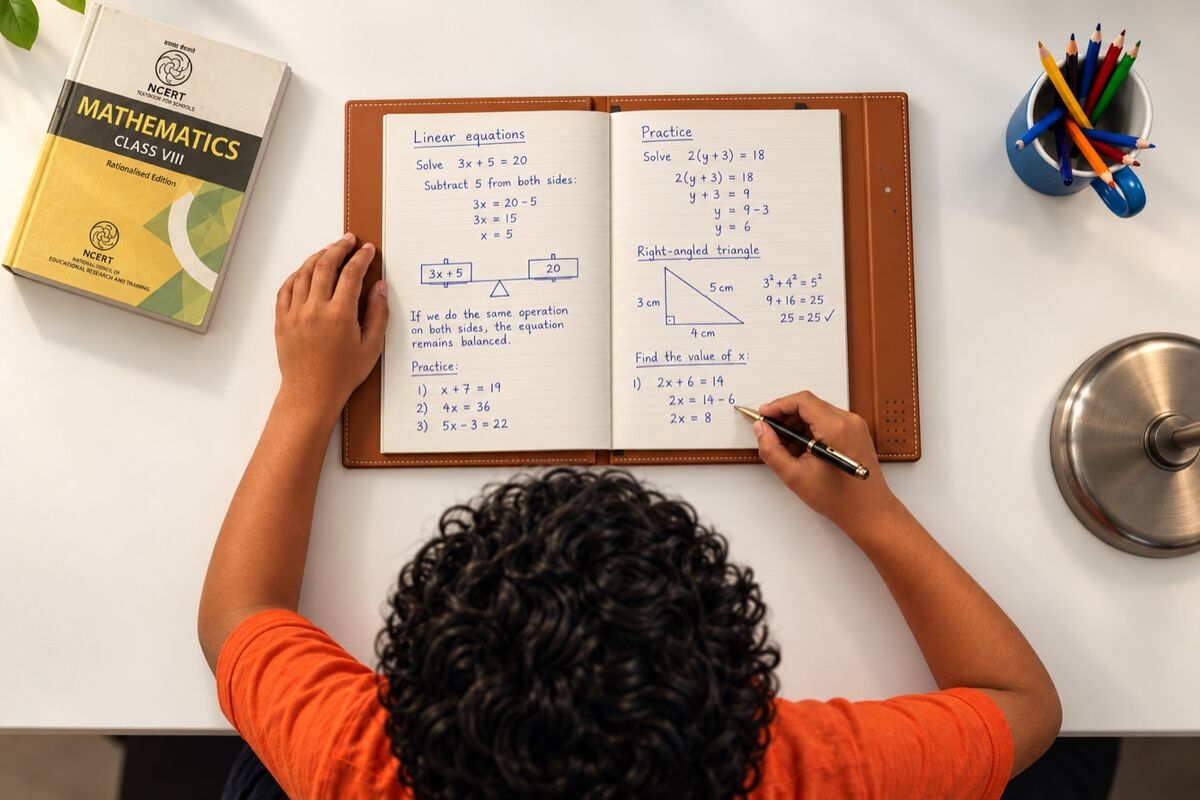
Follow a visual explanation, ask a question and try another example until the concept makes sense.
Use compatible printed material and the EMR pen to solve, write and draw on paper. Scripta captures the work in its page context.
The connected experience is designed to bring visual explanation and handwriting-aware guidance into the same learning session.
Use a compatible course, bring supported reference materials or create a learning experience around your own teaching. The Dvani platform connects the knowledge with the way it is taught.
Connect supported textbooks, notes and reference material to a course knowledge base. Give the tutor the context your learners need.
Ask about textbook support ↗Shape the explanation: teaching pages, diagrams, voice instructions, questions and practice. Share privately with authorised learners or prepare a course for the Store.
Explore Studio ↗Find school subjects, entrance preparation and languages. Dvani’s own courses carry Ekalavya branding; third-party creators can publish under their own brands.
Explore the Store ↗The planned learning record brings practice, progress and revision needs together, with authorised visibility for teachers and parents.
See the dashboard concept ↗Tabula is designed as a personal learning device, with courses and tutoring access managed separately. Your next subject, school programme or independent project can begin with the device you already know.
Tabula and Scripta are devices. Ekalavya and Arjuna are learning programmes. Standalone device offers are separate from course bundles.

No. Tabula is designed to teach independently through its display and voice interaction. Scripta adds physical page awareness and handwriting-based practice when you choose to use them together.
It is a learning-focused e-paper device for supported textbooks, diagrams and progressive whiteboard-style explanations. The experience is built around reading and voice teaching rather than fast-moving video or social feeds.
The connected platform is designed to support approved digital materials linked to a course knowledge base. Supported file formats, textbook availability and page mapping depend on the content and service. Ask about compatibility for your materials.
The tutoring approach allows you to ask for clarification, another example or a question that checks your understanding. Language and subject availability depend on the connected course and service.
It is the existing interactive product demonstration, now named Tabula. It lets you inspect the model and explore the connected guide. Final hardware, display behaviour and learning features are still being validated.
Contact Dvani for standalone device availability and pricing. Hardware, individual course enrolments and tutoring-service access are separate offers; course pages describe their own bundle configurations.
Read with Tabula. Write with Scripta. Learn with Dvani.
Tabula is in development. Product visualisations illustrate the intended design; final specifications, feature availability and performance will follow validation.