Open a page. Open a possibility.
Ask for an explanation, a simpler example, a revision session or a question that makes you look at the idea differently. Talk naturally. Keep your attention on the book.
 Try Dvani
A PERSONAL TUTOR. A STUDY CO-PILOT.
The page in front of you. The question on your mind. The step you can’t quite solve. Scripta brings your AI tutor into that very moment.
REAL BOOKS · NATURAL HANDWRITING · VOICE CONVERSATION
A familiar folio opens into a workspace for your book and notebook.
Read it. Question it. Work it out.
Scripta helps you think.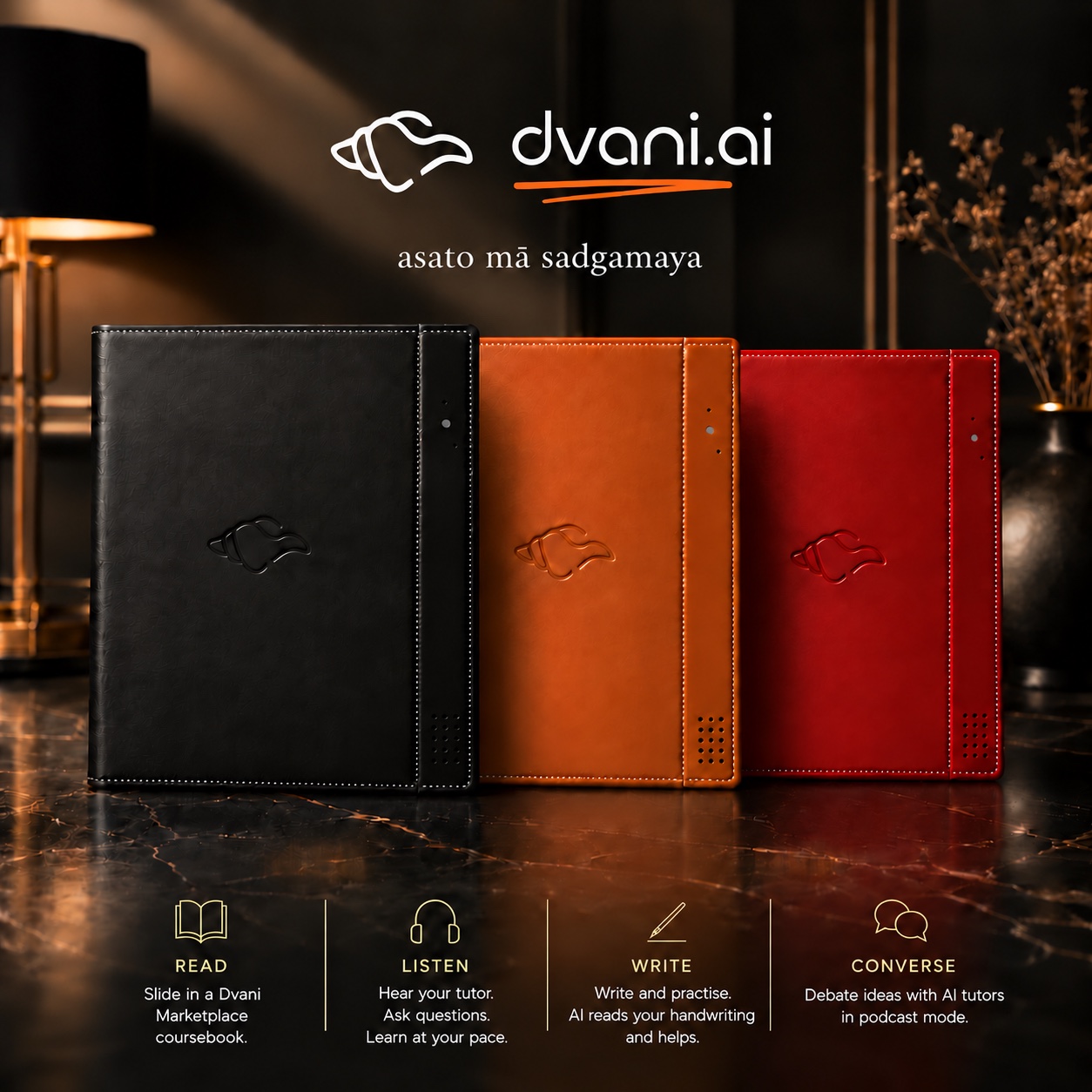
Scripta senses the attached booklet and the page you’re reading. It connects that page to the course knowledge on Dvani’s cloud, so your tutor starts with the same context you do.
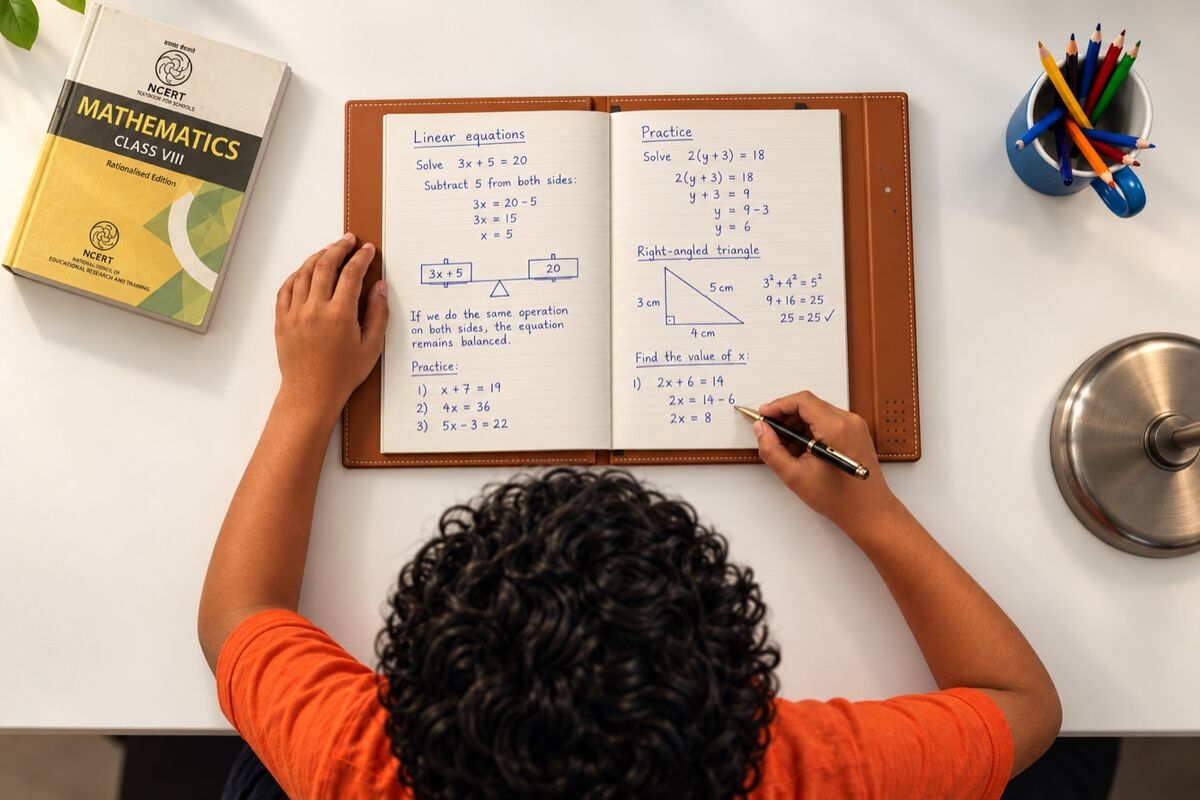
Ask for an explanation, a simpler example, a revision session or a question that makes you look at the idea differently. Talk naturally. Keep your attention on the book.
Swap the booklet for a notebook. Use the EMR pen to write your answer, sketch a diagram or work through an equation. The writing pad captures your pen strokes as you go.
When you get stuck, ask for help with that step. Your tutor follows the course context and your written work to help you find a way forward.
Explanations, revision, verbal practice and written practice. In one continuous learning experience.
A closer look at the physical design, in two short demonstrations.
Slide the booklet’s back cover under the two elastic bands. The book stays in place while its pages remain free to turn.
Flexible paper, a natural page turn. Scripta is designed to sense the page you’re reading and keep the tutor in context.
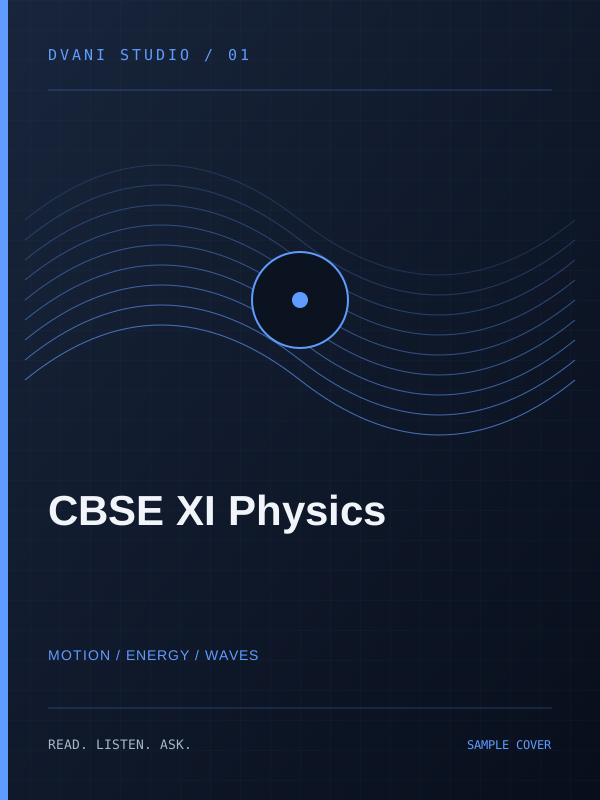
Turn through 14 illustrated lesson and practice pages, created in Dvani Studio. See how a printed course becomes part of the Scripta experience.
Turn pages using Next and Previous. Open a larger view ↗
Public reading preview · This booklet template has 14 completed interior sample pages; later pages are unfilled. Live AI voice tutoring currently requires the course owner’s Studio sign-in.
Open Studio viewer ↗The best help leaves room for discovery. In guided practice, Scripta offers support progressively: a question, then a hint, then a clearer explanation—without rushing to reveal the final answer.
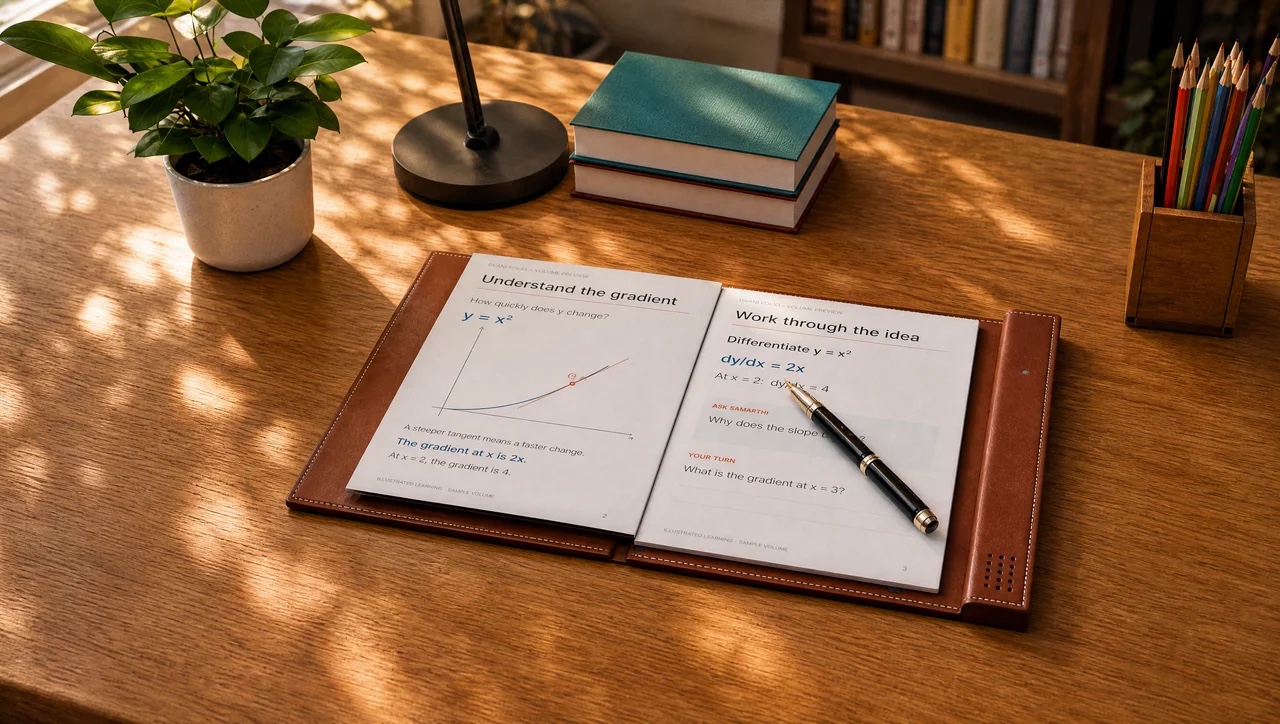
What is the gradient at x = 3?
“Look at the curve y = x². What do you already know about the gradient of a curve?”
The next step is still yours.Explain an idea aloud. Answer in your own words. Work through a calculation. Draw and label a diagram. Scripta brings verbal and written practice together, with feedback that helps you return to what needs work.
Your notebook sits over the EMR writing pad. Use the supplied pen to work through equations, take notes or sketch a diagram while Scripta captures your strokes.
This animation illustrates pen input on paper.From the first line to the next calculation: an animated view of writing with the EMR pen.
Short answers, long answers, active recall and structured explanations. Develop the ability to explain, not just recognise.
Equations, calculations and mathematical reasoning. Follow the steps, spot a misconception and practise the idea again.
Scientific diagrams, geometry, graphs and labelled illustrations. Make your understanding visible on the page.
Chapter tests, subject tests and timed mock examinations. Write your answers using Scripta, then review AI-assisted feedback, solution steps and topic-wise revision recommendations.
Previous-year papers depend on availability and licensing. AI scores for subjective answers are provisional; teachers can review and override assessments.
Find your course ↗Ask for progressive hints and explanations while you attempt a question. The tutor supports your thinking without handing over the final answer.
Join a discussion with two AI voice agents. Ask a question, challenge a point or explain your view. Practise speaking and reasoning as an active participant in the conversation.
Available with courses that include podcast mode.A folio for your book, a writing pad for your notebook and a voice for the questions between the lines. Familiar tools, brought into one connected experience.
The speaker and circuit board sit inside the integrated ridge. This exploded view shows the internal design; it is not a user opening procedure.
Scripta is in development. Product visualisations illustrate the intended design; final specifications and performance will follow validation.
Capture your handwriting, store notes on Dvani’s cloud and submit written work for AI-assisted assessment. Turn handwritten notes into typed text, or use voice assistance while journaling and planning.
Explore art, diagrams and engineering drawings with pressure-sensitive pen input. Pair your learning with Tabula when an idea needs another view.
Learning isn’t one score. See the topics you’ve practised, the ideas that need revisiting and the assignments you’ve completed. Give teachers the context to help where it matters.
Revisit balancing equations, then try a short written practice session.
Course progress, practice history, strengths, learning gaps and recommended revision. Build the next session around what you need.
Review authorised learners or a classroom. Assign courses, worksheets and tests. Inspect handwritten submissions and AI feedback, review scores and plan targeted support.
Learner information is available through authorised access. Teachers remain in control of reviewed assessment decisions.
Educators bring the knowledge. Studio shapes the teaching. Scripta brings it to paper. The Dashboard makes progress visible, and the Store helps learners discover what comes next.
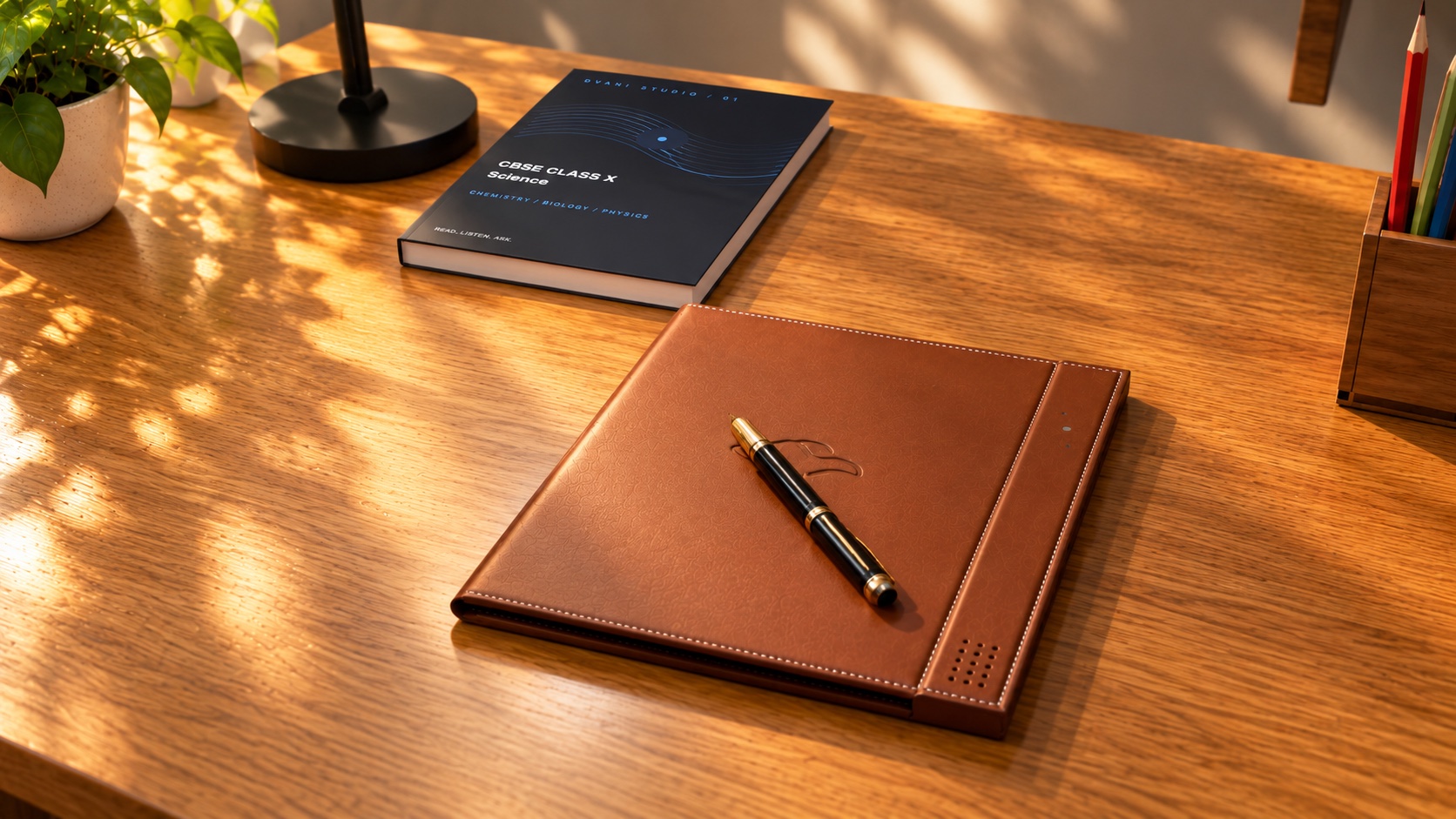
Choose a compatible booklet, fit it into Scripta and explore the ideas on the page.
Upload textbooks and reference materials. Connect chapters, topics and pages to a reusable course knowledge base.
Build subjects, chapters and lessons. Define learning outcomes, voice instructions, printable pages, practice and assessments.
Explore Studio ↗Read, write, draw and speak. Learn with a tutor grounded in the course and the page in front of you.
Meet the folio ↑Understand progress, review work and identify learning gaps. Turn insight into the next useful learning activity.
See the preview ↗Explore curriculum courses, entrance exam preparation and languages. Find content for your next learning goal.
Browse the Store ↗Create your own course, link the reference material and design the learning activities. Share privately with selected learners or classrooms, or prepare it for distribution through the Dvani Store.
Ekalavya is Dvani’s direct-to-learner programme. Arjuna supports learning through schools. Third-party creators can develop their own compatible courses and distribute under their own brands.
Create with Dvani Studio ↗Scripta is the Dvani AI folio hardware. Courses and booklets provide the learning content. Dvani’s own direct-to-learner courses carry Ekalavya branding; compatible content can also come from educators, schools and third-party creators.
Yes. Put a suitable notebook over the EMR writing pad and use the supplied pen. Scripta is designed to capture your handwriting while you keep writing, calculating and drawing on paper.
Guided practice is designed around progressive help: encouragement, guiding questions, hints, explanations and support with one next step. In a mock examination, AI assistance is disabled during the attempt and evaluation follows submission.
Its cloud tutoring, connected course knowledge and cloud note storage use Wi-Fi connectivity. These connected features require internet access.
Browse the Dvani Store for the current catalogue across school subjects, examinations and languages. Boards, classes, languages and features vary by course. Educators can also create custom materials in Studio and share them privately.
See the current catalogue ↗Yes. The teacher workflow includes reviewing handwritten work, inspecting AI feedback and reviewing or overriding assessment results. Scores that depend on subjective judgement should be treated as provisional until reviewed.
Keep the book. Keep the notebook. Give curiosity somewhere to go.